iPhone & iPad
Screen Recorder,
Screen Capture
Screen Recorder App, Game Recorder

Overview
Record what matters,
with a clean and simple workflow.
Screen Recorder, Screen Capture is designed to make recording feel clear and approachable — whether you want to capture gameplay, app activity, tutorials, or important moments on your screen.
Start recording quickly, stay focused on your content, and keep everything organized in a way that feels natural on iPhone and iPad. No distractions, no unnecessary steps — just a smooth, reliable experience from start to finish.
Mic
Screen recorder using microphone optional. Record with or without sound, exactly how you need.
Live stream
Broadcast your screen live in high quality. Share your moments with your audience in real time.
Video editor
Edit your recordings with ease. Trim, cut, and enhance your videos directly in the app.
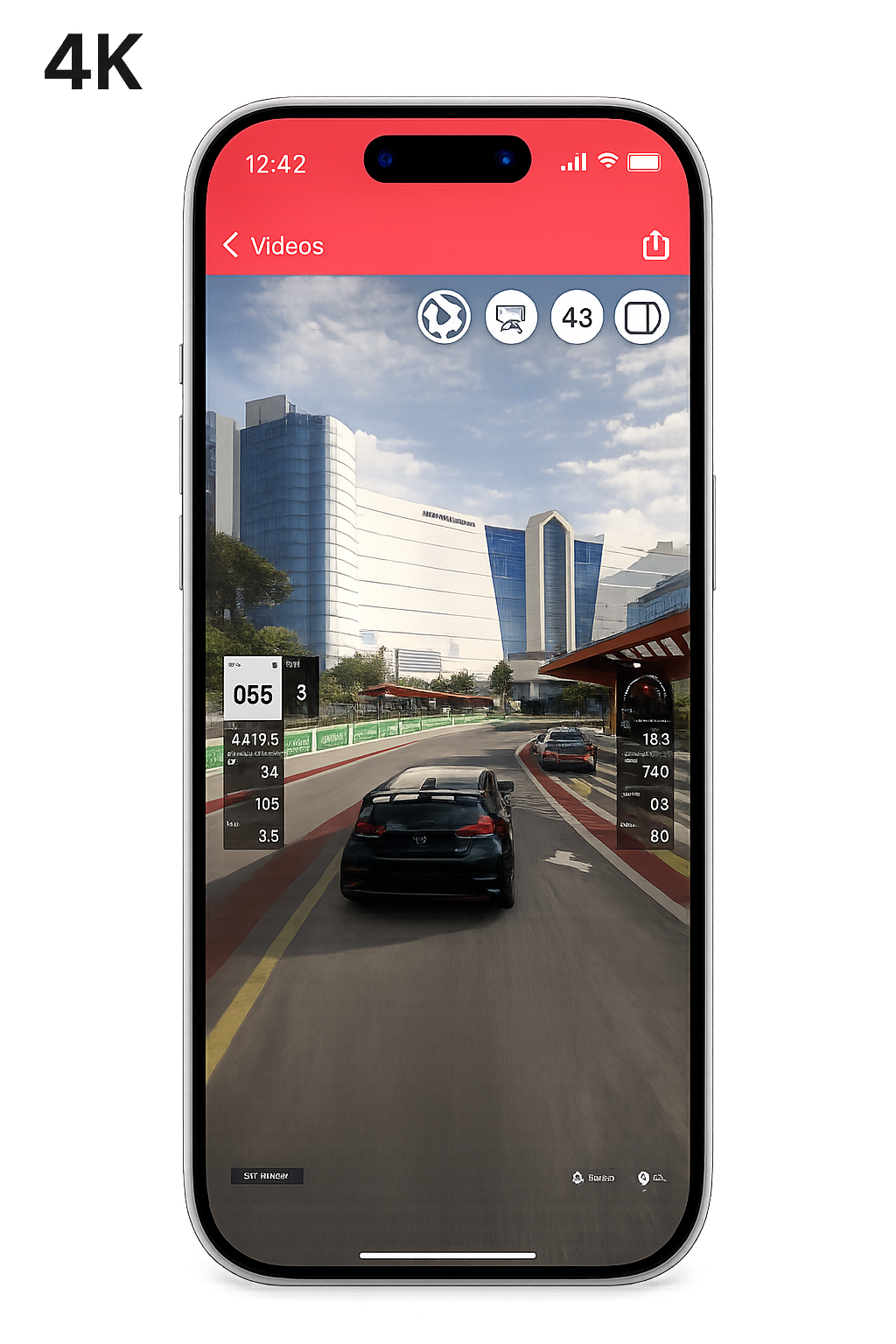
Experience
A recording experience that feels right at home on Apple devices.
Capture your screen with a layout that feels familiar, clear, and easy to use from the very beginning.
- Minimal interface
- Quick access to recording tools
- Comfortable on iPhone and iPad
Privacy
Your Privacy, Fully Respected.
Screen Recorder doesn’t collect, store, or share your data — everything stays on your device.
No account required
Use every feature right away, with no sign up or login required. Start recording instantly without any setup.
No analytics
Your activity is never analyzed, recorded, or used for tracking. We don’t collect any usage data or behavioral insights.
No tracking
We don’t use trackers, cookies, or third-party tracking services. Your data never leaves your device, and it never will.
Designed to feel at home.
Day or night, Screen Recorder stays simple, private, and ready when you are.